Key Features
PDFMate PDF Converter Free is a simple yet useful freeware recommended for you to create, edit, convert and merge PDF files to help you improve work efficiency.
Output formats
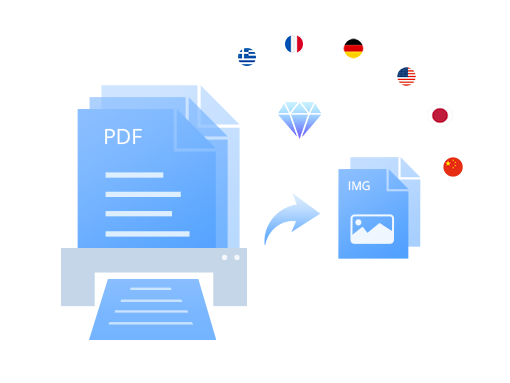
Convert PDF files to EPUB, TXT, DOC, IMG, HTML, SWF formats.
Advanced OCR
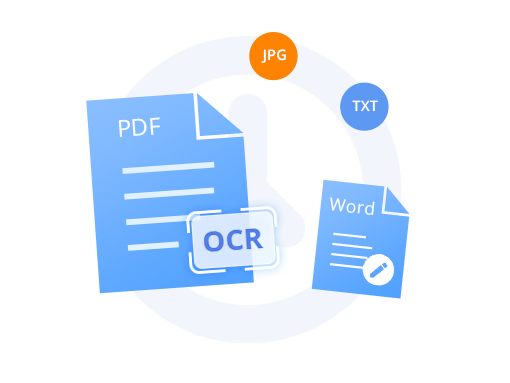
Convert PDF files to editable document with OCR technology (3-page limit).
Encrypt Converted Files
Add Open / Permission password to PDF Files.
Create PDF
Create PDF Files from IMG.
Layout Customization
Customize PDF files’ layout and change direction.
Merge & Combine
Merge and combine PDF files.
Get started with PDFMate PDF Converter Free
More to Discover
Free PDF Converter
PDFMate PDF Converter Free is a zero-cost and comprehensive PDF converting tool, able to convert PDF files into 6 most common formats, including Microsoft Word, editable Text, EPUB, IMG, HTML, and SWF files. Besides, it also supports changing the layout (A3, A4, A5) and page size (1IN1, 2IN1, 4IN1) to get your own style PDF files. With the help of such a smart tool, you can easily view your documents with portable devices in a more flexible and comfortable way.

Advanced OCR Technology
This PDF Converter comes with the most advanced OCR (Optical Character Recognition) technology, which makes it possible for you to extract texts and images from image-based PDF and convert it to editable and selectable Microsoft Ofiice Word files (3-page limit).
The program will detect scanned PDF files automatically when adding PDF files. And it provides two recognition modes. To save time, please choose efficiency-priority recognition mode; to get a more accurate output file, the quality-priority recognition mode should be your first option.
Merge and Create
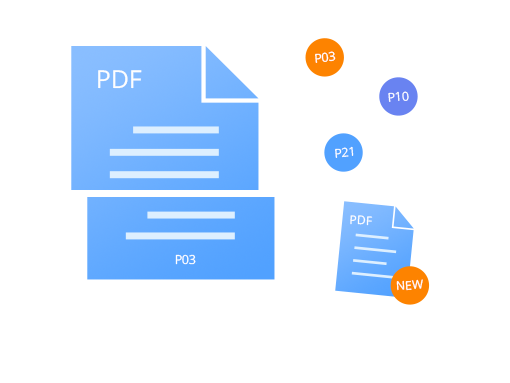
PDFMate is also a simple PDF merger. It allows you to merge multiple PDF files into one single file. It supports processing multiple input and output documents simultaneously. And a particular feature for the program is the ability to create PDF files. It enables you to create PDF files from JPG image files.
Encrypt Converted Files
The function within PDFMate enables you to set a password for your PDF files to get high-security assurance. In the ‘Advanced Settings’ session, you can add an Open/Permission password for the converted PDF files to protect the contents of your documents and your privacy.
More features & Customer Support
Layout Customization: Change the printing layout and page rotation of the PDF files.
Support Multi-language: PDFMate PDF Converter Professional supports converting PDF files in all kinds of languages.